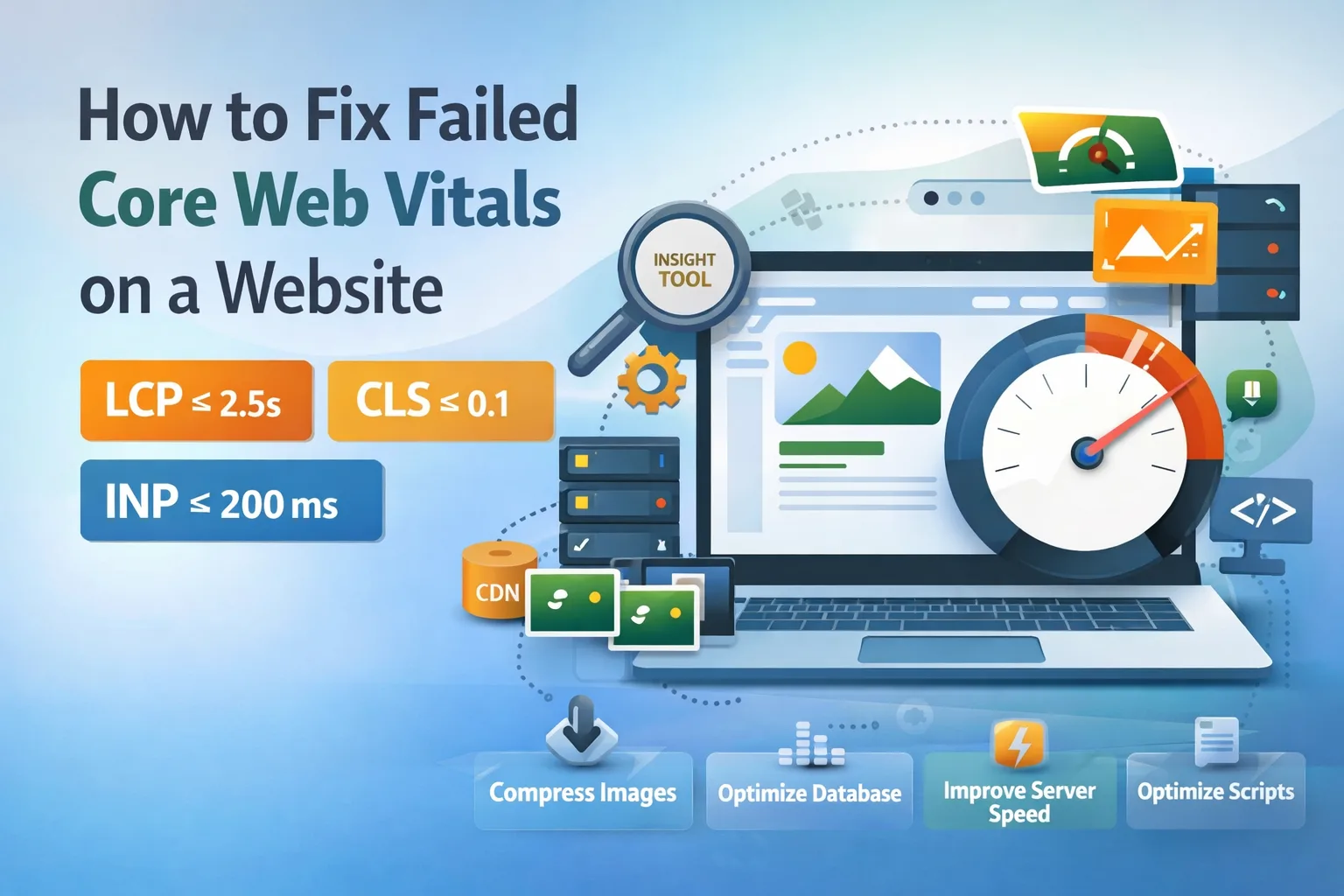

Quick Summary (Takeaway)
- Core Web Vitals = LCP + CLS + INP
- Fixing them improves user experience and rankings
- Focus on:
- LCP (≤ 2.5s): Optimize images, server speed, loading priority
- CLS (≤ 0.1): Fix layout shifts (images, fonts, ads)
- INP (≤ 200ms): Optimize scripts, reduce delays
- Use both field data (real users) and lab data (tools like PageSpeed Insights) to diagnose issues
What Are Core Web Vitals?
Core Web Vitals are performance metrics that measure how real users experience your website.
Types of Data
| Data Type | Meaning |
|---|---|
| Field Data | Real user performance (first visit experience) |
| Lab Data | Test data from tools (second view, controlled environment) |
1. Field Data
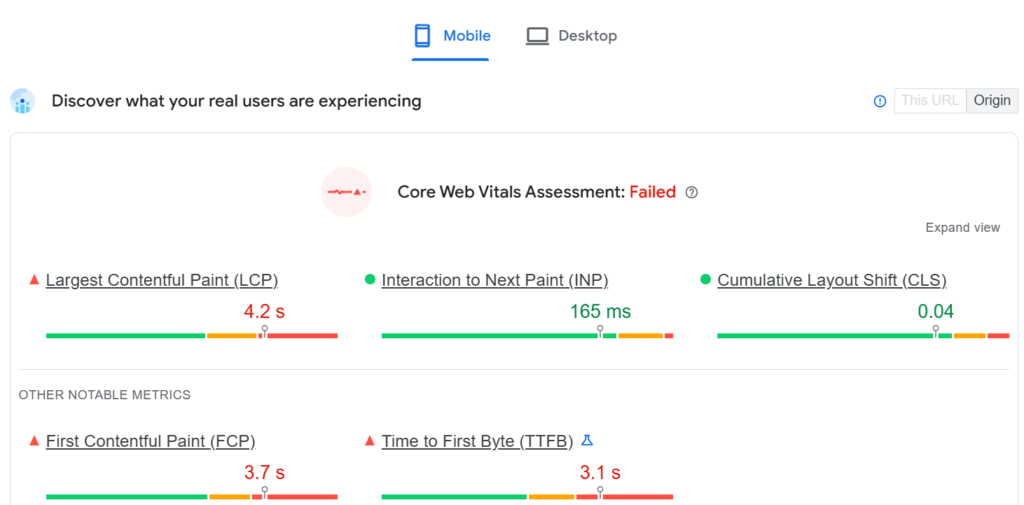
2. Field Data
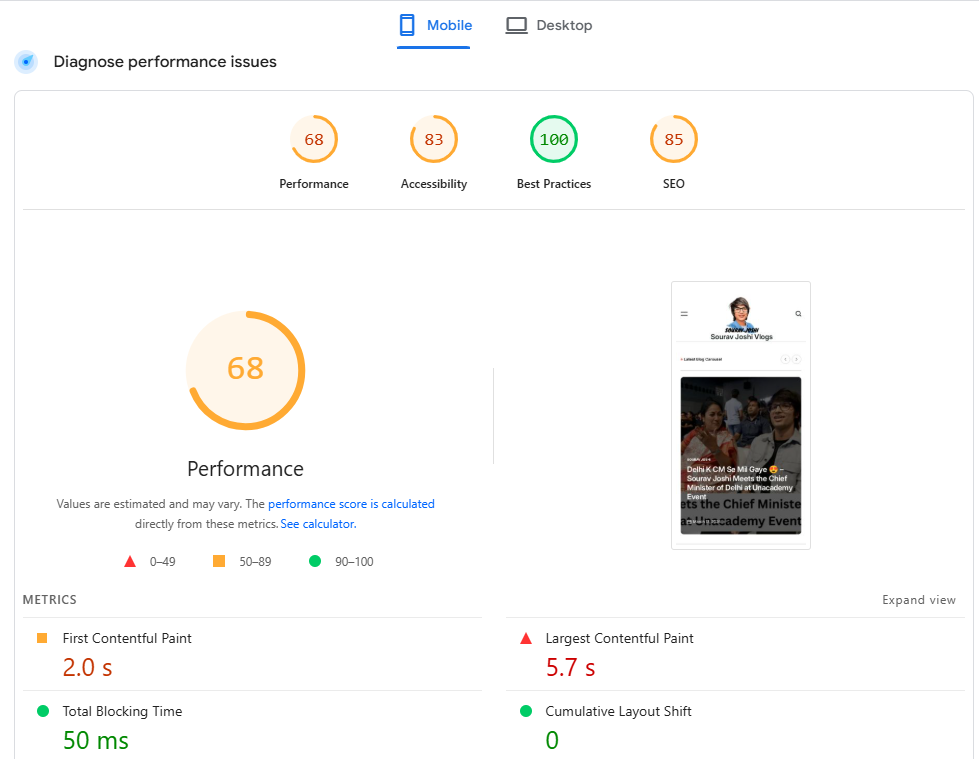
Standard Metrics
| Metric | Ideal Value |
|---|---|
| LCP (Largest Contentful Paint) | ≤ 2.5 seconds |
| CLS (Cumulative Layout Shift) | ≤ 0.1 |
| INP (Interaction to Next Paint) | ≤ 200 ms |
1. How To Fix LCP (Largest Contentful Paint)
LCP measures how fast the main content (image/text) loads.
LCP Breakdown (2.5 Seconds)
LCP is divided into 4 parts:
| Stage | What It Means |
|---|---|
| Time to First Byte | Server response time |
| Resource Load Delay | Delay before loading starts |
| Resource Load Duration | Time to download resource |
| Element Render Delay | Time to display content |
How To Optimize LCP (Step-by-Step)
1. Time to First Byte (TTFB)
- Enable caching (page-level + server-level)
- Optimize database (remove junk, unused pages)
- Use CDN
2. Resource Load Delay
- Avoid lazy loading for above-the-fold content
- Use
<img>tag instead of CSS/JS images - Add priority tag for important images
3. Resource Load Duration
- Reduce image size (pixels & bytes)
- Convert formats:
- ❌ PNG, JPG, BMP, TIFF
- ✅ WebP, AVIF
4. Element Render Delay
- Keep website structure simple
- Avoid complex DOM
Fix LCP for Images
| Problem | Solution |
|---|---|
| Large images | Compress & resize |
| Old formats | Use WebP / AVIF |
| Slow loading | Use priority loading |
Fix LCP for Text
- Use system fonts (fast loading)
- Reduce font loading delays
2. How To Fix CLS (Cumulative Layout Shift)
LCP measures how fast the main content (image/text) loads.
How CLS Is Calculated
CLS=IF×DF
Where:
- IF (Impact Fraction) = Area affected
- DF (Distance Fraction) = Movement distance
Example:
- Total height = 1000
- Impacted area = 600 → 600/1000 = 0.6
- Movement = 500 → 500/1000 = 0.5
👉 CLS = 0.6 × 0.5 = 0.3
⚠️ CLS Threshold
Poor: > 0.25
Good: ≤ 0.1
How To Fix CLS
1. Fix Image Dimensions
- Always define width & height
2. Handle Dynamic Content
- Set min-height for:
- Dynamic sections
- Lazy-loaded elements
3. Reserve Space for Ads
- Define fixed ad container size
4. Font Optimization
- Use system fonts like Arial
- Preload custom fonts using preload tag
- Avoid font swapping issues
CLS Optimization Table
| Issue | Fix |
|---|---|
| Layout shift from images | Set dimensions |
| Dynamic content jumps | Use min-height |
| Ads shifting layout | Reserve space |
| Font loading shift | Use system fonts |
3. How To Fix INP (Interaction to Next Paint)
INP measures how fast your site responds to user actions (click, tap, type).
INP Components
| Stage | Meaning |
|---|---|
| Input Delay | Time before action starts |
| Processing Duration | Time to process event |
| Presentation Delay | Time to update UI |
How To Fix INP
1. Reduce Input Delay
- Minimize background processes
2. Optimize Processing
- Reduce heavy scripts
- Keep JS files optimized
3. Improve Presentation
- Keep DOM simple
- Avoid complex UI rendering
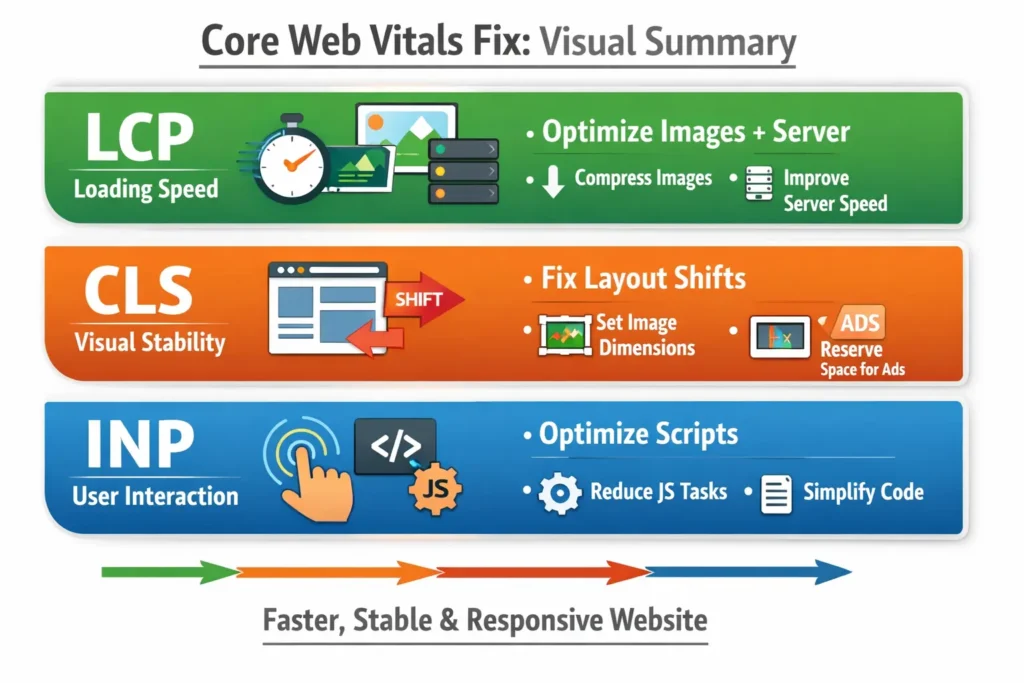
Visual Summary (Core Web Vitals Fix)
FAQ’s
Conclusion
Fixing Core Web Vitals is about improving real user experience, not just scores.
- Optimize loading (LCP)
- Stabilize layout (CLS)
- Improve interaction speed (INP)
Follow the structured approach above to systematically fix issues instead of guessing.
If you want, we as an SEO Expert can audit your website’s Core Web Vitals and give you a personalized fix roadmap based on your real data (GSC + PageSpeed Insights).