

Last Updated on 11 hours ago by Arun Kumar
An AI builder can create a website draft quickly, but if your prompt was short, the website may look complete and still show wrong details about your business. Your prices and service area are facts that only you can confirm.
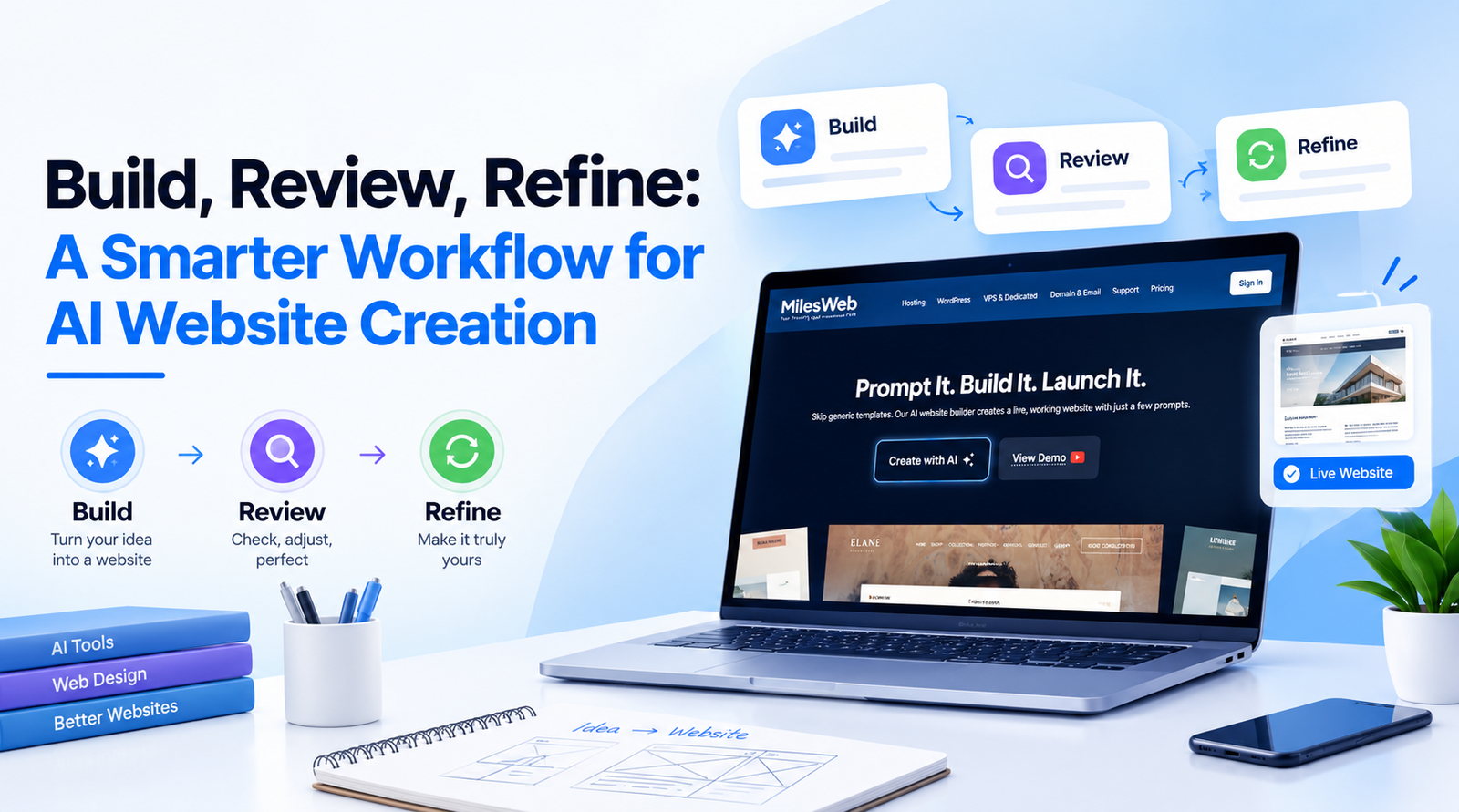
If you’re trying an AI website builder that India has to offer, it helps to work in a specific order. Build a basic version first, then review it and refine one part at a time. That keeps you in control of the content and of every decision that affects your visitors.
The guide below follows that order, from planning before you open the builder to updating the website after launch.
Build the First Draft
1. Purpose
Your website should have one clear purpose. Decide whether you want your visitors to book an appointment, request a quote, place an order, or contact you. Then make that purpose obvious throughout the site.
Then list the pages that action needs. A local service business may need a home page, a services page, a contact page, and a booking page. An online store may need separate pages for each product, a cart, shipping information, and a returns policy.
Prepare a brief overview before you begin:
- Business name and location
- Identify the main group of visitors you want to reach.
- Main action you want visitors to take
- Pages and sections you need
- Services, products, prices, or policies that must appear
- Brand colors, logo, and preferred tone
Keep the brief nearby while you work. You’ll use it in the review stage to evaluate the draft.
2. The Prompt
A prompt, like “Create a website for my business,” doesn’t provide the builder with enough information to work with. Describe what your business does and who your visitors are, then state the goal and the sections you expect.
For instance:
“I own a home bakery in Pune, and I require a mobile-friendly website. Visitors should be able to order cakes through WhatsApp. Please include a home page, a menu, an enquiry form for custom cakes, delivery information, testimonials, and contact details.”
Use only facts you’ve confirmed. Don’t ask the builder to create qualifications, certifications, prices, or reviews that don’t exist. False details can mislead your visitors. You can add those yourself once you’ve checked them.
If the builder asks follow-up questions, answer each one directly. AI website builders often use those answers to decide the page structure, the navigation, and the draft text. Copy the facts from your brief into the prompt so that the builder has nothing to guess.
3. First Draft
Let the builder create the first draft, and leave headings, colors, and images for later. An online website builder usually turns a prompt into pages, a navigation menu, text sections, and a contact or enquiry form.
Don’t edit anything yet. The draft is a basic version, and the next stage shows you what needs to change.
Review the Draft
4. Structure
Before you read any text, decide whether the structure supports your goal. Start with these questions:
- Can a visitor tell what you offer within a few seconds?
- Is the main action easy to locate?
- Does the navigation include only the pages a visitor needs?
- Does each page have one clear purpose?
- Are the contact details correct?
If the structure is incorrect, please adjust the page order or remove pages as needed. Structural changes take less time than editing the text and design.
5. Visitor View
Open the preview and read it as a visitor who has never heard of your business would.
Start with the home page. Does it explain what you do, who you serve, and what visitors should do next? Then open every page and compare it with your brief.
Look for these problems:
- Generic sentences that could describe any business
- Missing services, locations, timings, or policies
- Repeated headings or sections
- Wrong spellings of your business name, products, or services
- Contact forms that ask for information you don’t need
- Buttons that don’t say what happens after the click
Replace general statements with specific facts. “We offer reliable service” tells visitors very little. “We repair residential air conditioners in Pune and offer same-week appointments,” they tell you, telling you where you work and how quickly they can book. Write down each problem you find so you can fix it in the Refine stage.
Refine One Part at a Time
6. Content
Edit the text before you change the visual design. Builders may insert placeholder text, and even text that reads well will lack your real business details.
Complete these tasks:
- Replace placeholder text with your actual services and products.
- Add your service areas, opening hours, and contact details.
- Use your own photographs where possible.
- Add visitors’ questions to an FAQ page (a page that answers frequently asked inquiries).
- Rewrite headlines so each one states the offer clearly.
- Verify that every claim is accurate.
Keep sentences short, and use one term for each item across the website. If you write “customers” on one page, don’t write “clients” on another unless they’re different groups.
7. Design and Mobile
Once the content is correct, review the layout on a phone, on a computer, and on a tablet if you have one. Check the phone first, because many visitors open websites on one.
Check that:
- Text is readable without zooming.
- Buttons are large enough to tap.
- Images don’t cover important text.
- Menus open and close properly.
- Forms are easy to complete.
- Pages load without unnecessary delay.
Assign a single call to action to each page. If bookings are the goal, label it “Book an appointment.” If inquiries are the goal, label it “Request a quote.” Avoid placing several competing buttons in the same section.
8. Technical Checks
You don’t need to be a developer to verify the basics before publishing. Open each page and look at the points below:
- Every link opens the correct page.
- Every form sends the enquiry to the right email address or system.
- Every image has alt text.
- Each page has an accurate title and description.
- The website works on your custom domain (your own web address, such as yourbusiness.com).
If your website will accept payments, store visitor details, or link to other business tools, review its security and privacy settings before you launch. Ask a developer to review the setup if it connects to other business tools.
Conclusion
AI shortens the first stage of creating a website. You still supply the facts, review every page, and decide what visitors should do.
Before you publish, check that:
- A visitor can tell what you offer within a few seconds.
- The main action is easy to find on every page.
- Every claim, price, and contact detail is accurate.
- The website works properly on a phone.
- Your forms send inquiries to the right place.
Once these checks are complete, your website will be ready to publish.